
1
Number of devices
A system with a small number of entry sensors has fewer installation and testing steps than a system with sensors throughout the home, multiple cameras and additional safety devices.
There is no single installation time that fits every home. The appointment depends on the property, the approved equipment, where devices need to go, connectivity, testing and the final walkthrough.
Set aside a meaningful appointment window rather than assuming a quick service call. In a 2026 hands-on test, Security.org reported that its ADT professional installation took just under two hours; more complex installations can take longer. Treat that as an example, not a promise. ADT's current Pro Install page does not give one nationwide duration for every job, so confirm the expected appointment length for your specific system.
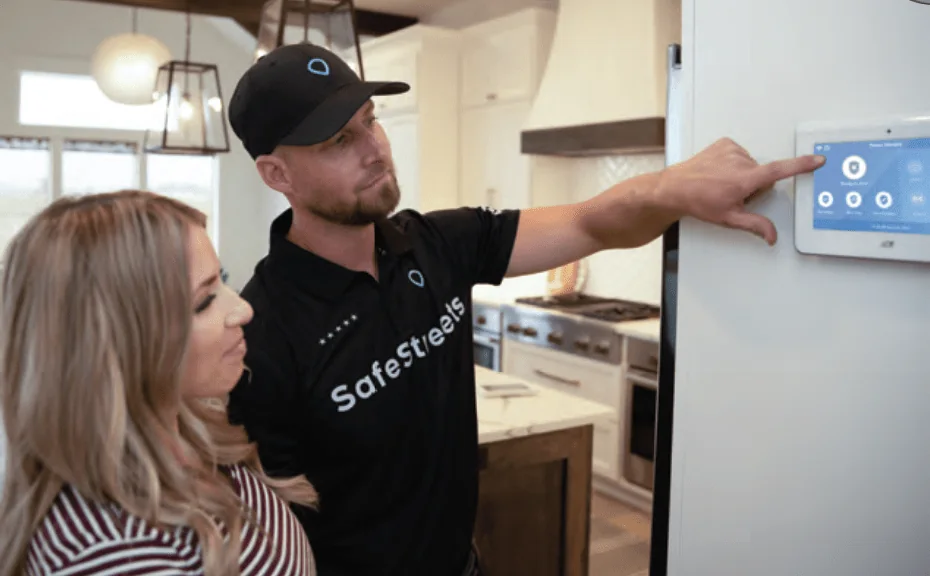
Professional installation is more than mounting a sensor. The technician may need to confirm device locations, install and connect equipment, resolve connectivity issues, test the system and explain how to use it. The more moving parts involved, the more time the appointment can require.
A system with a small number of entry sensors has fewer installation and testing steps than a system with sensors throughout the home, multiple cameras and additional safety devices.
Cameras, doorbells, locks, thermostats and other connected devices can add mounting, power, Wi-Fi, account and app setup steps.
Equipment locations can be easier or harder to reach. Door and window types, wall construction, exterior mounting points, garages and other property-specific conditions may affect the work.
A professional installation includes checking that supported devices communicate and function as intended. Wi-Fi or power issues can add troubleshooting time.
If the homeowner and technician decide that a different device location or additional approved equipment is appropriate, the final scope can differ from the initial plan.
The job is not finished simply because the hardware is mounted. The technician may explain arming, disarming, alerts, app controls, cameras and other supported features before leaving.
The exact sequence varies by provider and system, but the work normally moves through several practical stages. ADT's current pro-install information says its technicians install security and smart-home devices, make sure the system is working properly and show the customer how to use it.
The homeowner and technician review the equipment being installed and where devices should go. ADT says the required adult must be present to provide access, approve equipment locations and finalize paperwork.
Sensors, the control equipment and any approved cameras or connected devices are installed and connected as required for that system.
Power, Wi-Fi, placement or device communication can require additional attention. This is one reason two homes with the same number of devices may not take the same amount of time.
Installed equipment is checked before the appointment is completed. ADT states that technicians ensure the system is working properly.
The technician explains how to use the system and supported features. Leave enough time to ask questions rather than planning to leave the moment the physical installation is finished.
Preparation cannot guarantee a shorter appointment, but it can prevent avoidable delays and make it easier for the technician to reach the areas involved.
| Factor | Why it can affect the appointment | What you can do beforehand |
|---|---|---|
| More sensors or cameras | More locations must be installed, connected and tested. | Confirm the approved equipment list and priority areas. |
| Wi-Fi-connected devices | Cameras and smart devices may need network access and app/account setup. | Have Wi-Fi credentials available and check that the network is working. |
| Hard-to-reach locations | Exterior, garage or other mounting points can require more access and planning. | Clear the area and discuss placement before work begins. |
| Scope changes | Adding or moving approved equipment changes the work required. | Raise coverage concerns early in the appointment. |
| Troubleshooting | Power, network or device-communication issues may need diagnosis. | Make sure power and internet service are working before arrival. |
| Training and questions | The homeowner walkthrough is part of a complete installation experience. | Write down questions and keep key household users available if practical. |
Do not compare professional installation time directly with a DIY-kit setup claim. They are different service models. A professional visit can include planning, mounting, testing and homeowner instruction, while a DIY setup puts more of those decisions and troubleshooting steps on the customer.
If you are comparing the two approaches, read our professional home security installation guide. For budget questions, see the home security cost guide.
There is no universal time for every property or system. Device count, cameras and smart-home products, placement, power, Wi-Fi, testing and any setup issues can all affect the appointment. Ask the provider for the expected duration for the specific system scheduled for your home.
Plan on the required adult being available until the installation, paperwork and walkthrough are complete. ADT says an adult over 18 must be present for non-Google-device installations. If Google devices are being installed, the Google Account Owner must be present.
They can add steps because camera location, power, Wi-Fi, mounting, viewing angle, app access and testing may all need attention. The actual effect depends on the property and equipment.
Ask what equipment is approved, who must be present, the arrival window, the expected appointment length for your specific system, what access the technician needs, and whether there are any internet, power, permit or account requirements to complete beforehand.
This guide separates provider-published requirements from general planning advice. Provider terms and procedures can change, so confirm the details for your own appointment.
See what professional installation covers, how equipment placement is planned, what to prepare and how professional installation compares with DIY setup.