
The Home Security CompanyConnecting You With SafeStreets — an ADT Authorized Provider
Home › Professional Installation › Installation Checklist
Before the technician arrives

Home Security Installation Checklist

A professional installation runs more smoothly when the home, Wi-Fi, paperwork and household are ready before the technician arrives.

The short version

Review the approved system, make sure permanent electricity and working Wi-Fi are available, have the required adult and account information ready, clear access to installation areas, secure pets and check whether your local jurisdiction requires an alarm permit.

Updated October 1, 2026 · Provider-specific requirements should always be confirmed before the appointment.
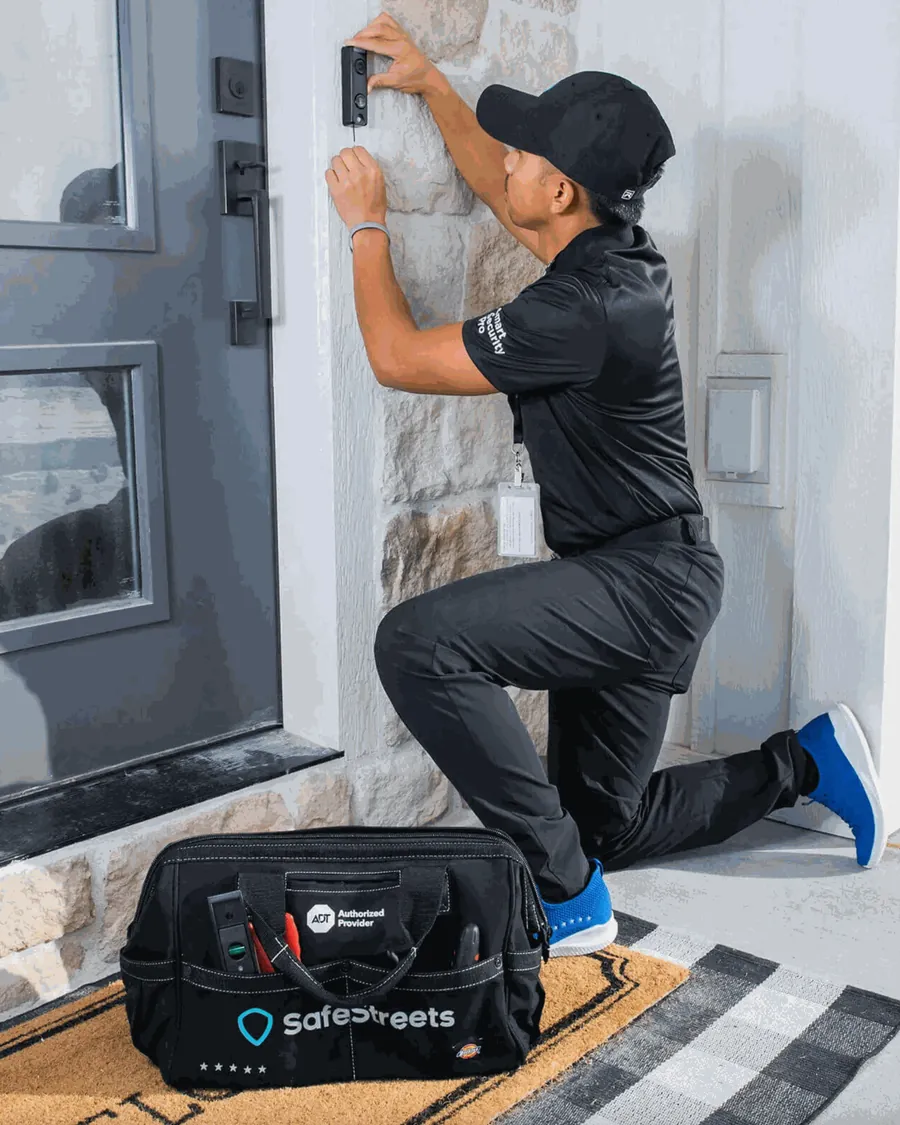
SafeStreets home security technician installing a video doorbell

Quick pre-installation checklist

These are the items most likely to prevent avoidable delays. ADT's current professional-installation checklist specifically calls out electricity, Wi-Fi for connected equipment, the right adult being present, pets, apps, paperwork and local alarm-permit requirements.

Review the signed contract and approved equipment.
Know what is expected to be installed and note questions before the appointment starts.
Make sure permanent electricity is available.
Do not assume temporary construction power or an inactive utility account will be sufficient.
Confirm your home internet is working.
Have the Wi-Fi network name and password ready for equipment that needs connectivity.
Install or update the required apps.
For current ADT systems, that may include ADT+ and, when Google devices are involved, Google Home.
Have the required adult present.
ADT says an adult over 18 must be present for non-Google-device installs; the Google Account Owner is required when Google devices are installed.
Clear access to work areas.
Make doors, windows, the router, outlets, garage/closet areas and planned device locations reasonably accessible.
Secure pets away from work areas.
This is included in ADT's current professional-installation guidance.
Check local alarm-permit requirements.
ADT advises customers to check their local police/fire jurisdiction and obtain any required permit before installation.

24 hours before the appointment

Use the day before installation to eliminate simple problems that can otherwise consume appointment time.

Paperwork

Review the system you actually approved

Re-read the signed contract, equipment list, monitoring terms and any remaining balance. Write down anything that does not match what you expected. Do not rely on a generic website package description as a substitute for your final provider paperwork.

Connectivity

Test power, internet and Wi-Fi

Confirm permanent electricity is active and your internet connection is working. If cameras or other Wi-Fi devices are part of the install, make sure you know the network name and password. ADT's current checklist states that camera installations require 2 Mbps upload speed per device using Wi-Fi.

Accounts

Prepare the apps and passwords you may need

ADT advises customers to have the ADT+ app installed and their ADT+ account password available. If Google Nest products are included, ADT also says to have the Google Home app and the relevant Google account ready.

Access

Clear the areas the technician may need

Remove clutter that blocks planned sensor, panel, camera or smart-device locations. ADT says technicians may need access to areas such as a garage or closet depending on the system and devices.

Household

Plan for pets and household members

Secure pets away from the technician's work areas. If other household members will use the system, consider having them available for the final walkthrough so they can learn routine operation at the same time.

Do not pre-drill or permanently alter the home based on this checklist. Final device placement should be confirmed with the provider or technician because equipment, property conditions, local rules and the approved scope can change what is appropriate.

Walk through the home before the technician arrives

A quick room-by-room review helps you explain priorities without trying to redesign the system yourself.

Doors and entry points

Identify the doors the household uses most, secondary entrances, garage access and any entry point you are particularly concerned about.

Windows and interior routes

Note accessible windows and the paths someone would naturally take through the home. The technician can explain where the approved sensors are intended to provide coverage.

Camera locations

Think about the view you want, available power and Wi-Fi strength. ADT says its technicians can help choose camera locations and checks Wi-Fi capability before installing cameras.

Router and Wi-Fi

Know where the router is located and make it accessible. Avoid changing the network name or password immediately before installation unless necessary.

Panel or base location

Keep likely control-equipment areas accessible and close to working power. Let the technician confirm the final placement.

Pets, children and accessibility

Tell the technician about pets, children, caregivers or accessibility needs that could affect placement, motion detection or how household members use the system.

Printable installation-day checklist

You can print this page and tick the boxes below as a final pre-appointment check.

  • Signed contract / approved equipment reviewed
  • Any remaining payment requirements understood
  • Permanent electricity active
  • Internet and Wi-Fi working
  • Wi-Fi network name and password available
  • ADT+ app installed and account password available, if applicable
  • Google Home app and Google Account ready if Google devices are included
  • Required adult / Google Account Owner will be present
  • Doors, windows, router, outlets and planned device areas accessible
  • Pets secured away from technician work areas
  • Local alarm-permit requirement checked
  • Questions about equipment placement written down
  • Household members who need training available for the walkthrough, if practical
  • Enough time reserved for testing and the final walkthrough

Questions worth asking before the technician leaves

Which doors, windows and interior areas does each installed device cover?
How do I arm, disarm and silence an accidental alarm correctly?
Which app features and notifications should I set up today?
What happens if internet service or household power is interrupted?
What routine battery or device maintenance should I expect?
Who should I contact for service, billing or equipment support after installation?

For the complete installation process, equipment-placement considerations and professional-vs-DIY comparison, see our professional home security installation guide. If you are planning your day around the visit, read how long a home security installation may take.

Frequently asked questions

What should I have ready for a professional home security installation?

Have the approved paperwork, working electricity and internet, Wi-Fi credentials, required apps/accounts and access to installation areas ready. Secure pets and make sure the adult required by the provider will be present.

Do I need Wi-Fi for professional installation?

It depends on the equipment. ADT currently tells Pro Install customers to have Wi-Fi available, and its checklist specifically addresses Wi-Fi requirements for cameras and connected devices. Confirm the requirements for your approved system.

Do I need an alarm permit before installation?

Rules vary by city and county. ADT's current checklist tells customers to consult their local police/fire jurisdiction and obtain any required alarm permit before installation. Verify the rule for your address rather than assuming one nationwide requirement.

Should I decide exactly where every device will go beforehand?

It is useful to know your priorities and concerns, but final placement should be reviewed with the technician. Property layout, equipment limitations, Wi-Fi, power, local rules and the approved system can affect placement.

Sources reviewed

Provider requirements can change. This checklist distinguishes provider-published requirements from general preparation advice and should not replace the customer's signed agreement or appointment instructions.

Planning a professional installation?

Use the main installation guide for what happens during the appointment, what professional installation covers and how it compares with DIY setup.

Professional Installation Guide →